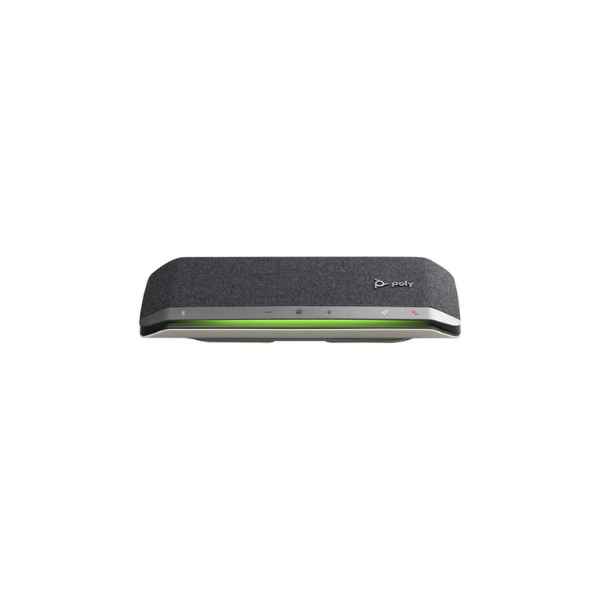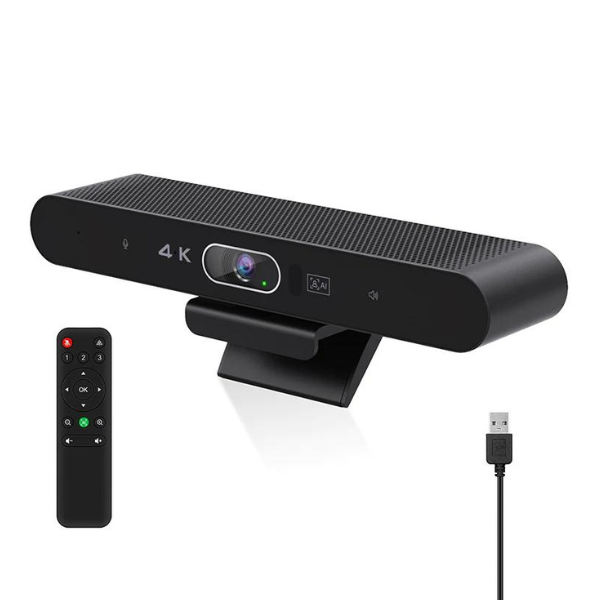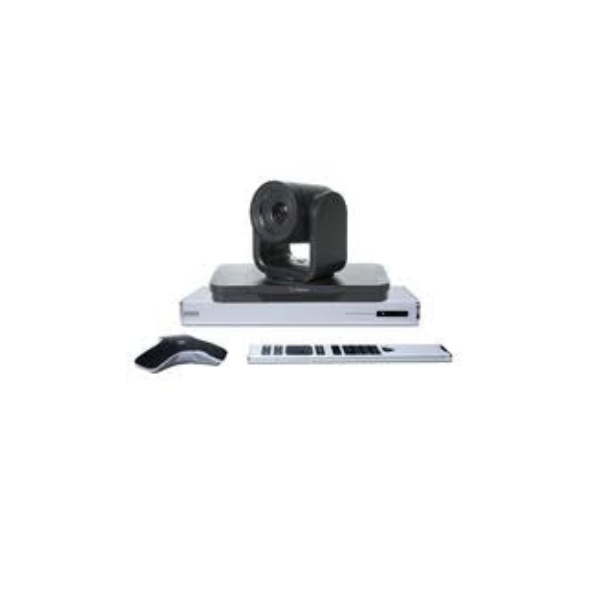
Have you ever joined a virtual meeting and felt something was missing? Maybe it was the poor audio quality or the blurry video. These issues can make even the most important discussions less effective. In today’s digital age, having the right video conferencing accessories is crucial for clear and professional communication.
Why Are Video Conferencing Accessories Important?
Imagine trying to have a conversation with someone who is inaudible or whose video keeps freezing. Frustrating, right? This is why investing in quality video conferencing accessories is essential. They ensure smooth communication, making meetings more productive and less stressful.
Key Video Conferencing Accessories to Enhance Your Meetings
To make your virtual meetings seamless, consider the following accessories:
1. High-Quality Webcam
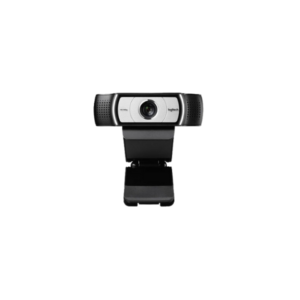
A clear image is vital for effective communication. Webcams like the Logitech C920 offer 1080p resolution, ensuring you look sharp on screen.
2. Noise-Canceling Microphone
Background noise can be distracting. Microphones such as the Blue Yeti Pro help in capturing clear audio, minimizing unwanted sounds.
3. Professional Lighting
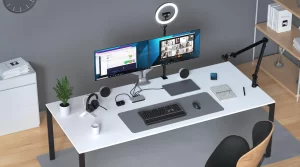
Proper lighting can make a significant difference. Ring lights or softboxes ensure your face is well-lit, preventing shadows and glares.
4. Sturdy Tripod or Mount
A stable camera position is essential. Using a tripod or mount keeps your webcam steady, avoiding shaky footage.
5. Acoustic Panels
Echoes can distort sound. Installing acoustic panels in your room can enhance audio clarity, making conversations more intelligible.
Market Trends in Video Conferencing Accessories
The demand for video conferencing accessories has surged in recent years. According to Grand View Research, the global video conferencing market is expected to grow at a CAGR of 8.2% from 2025 to 2033, reaching USD 24,459.2 million by 2033.
This growth is driven by the increasing adoption of remote work and the need for effective virtual communication tools.
Tips for Successful Video Conferences
To ensure your virtual meetings are effective:
- Test Equipment Beforehand: Always check your camera, microphone, and internet connection before the meeting starts.
- Choose a Quiet Location: Select a room with minimal background noise to ensure clear audio.
- Use a Neutral Background: A clean, uncluttered background keeps the focus on you.
- Dress Appropriately: Wear professional attire to maintain a business-like atmosphere.
- Engage Actively: Make eye contact and nod to show you’re attentive.
The Future of Video Conferencing Accessories
As technology advances, we can expect even more innovative accessories. For instance, AI-powered cameras that adjust focus automatically or smart lighting systems that adapt to your environment. Staying updated with these trends ensures your meetings remain professional and efficient.
Final Thoughts
In the realm of virtual communication, the right video conferencing accessories can make all the difference. By investing in quality equipment and following best practices, you can ensure your meetings are productive and professional. Remember, clear communication is the key to successful collaborations.